Running StatefulSets on Kubernetes: A Complete Beginner’s Guide

What Is a StatefulSet in Kubernetes?
A StatefulSet is a Kubernetes workload API object designed to manage stateful applications. Unlike Deployments, StatefulSets provide:
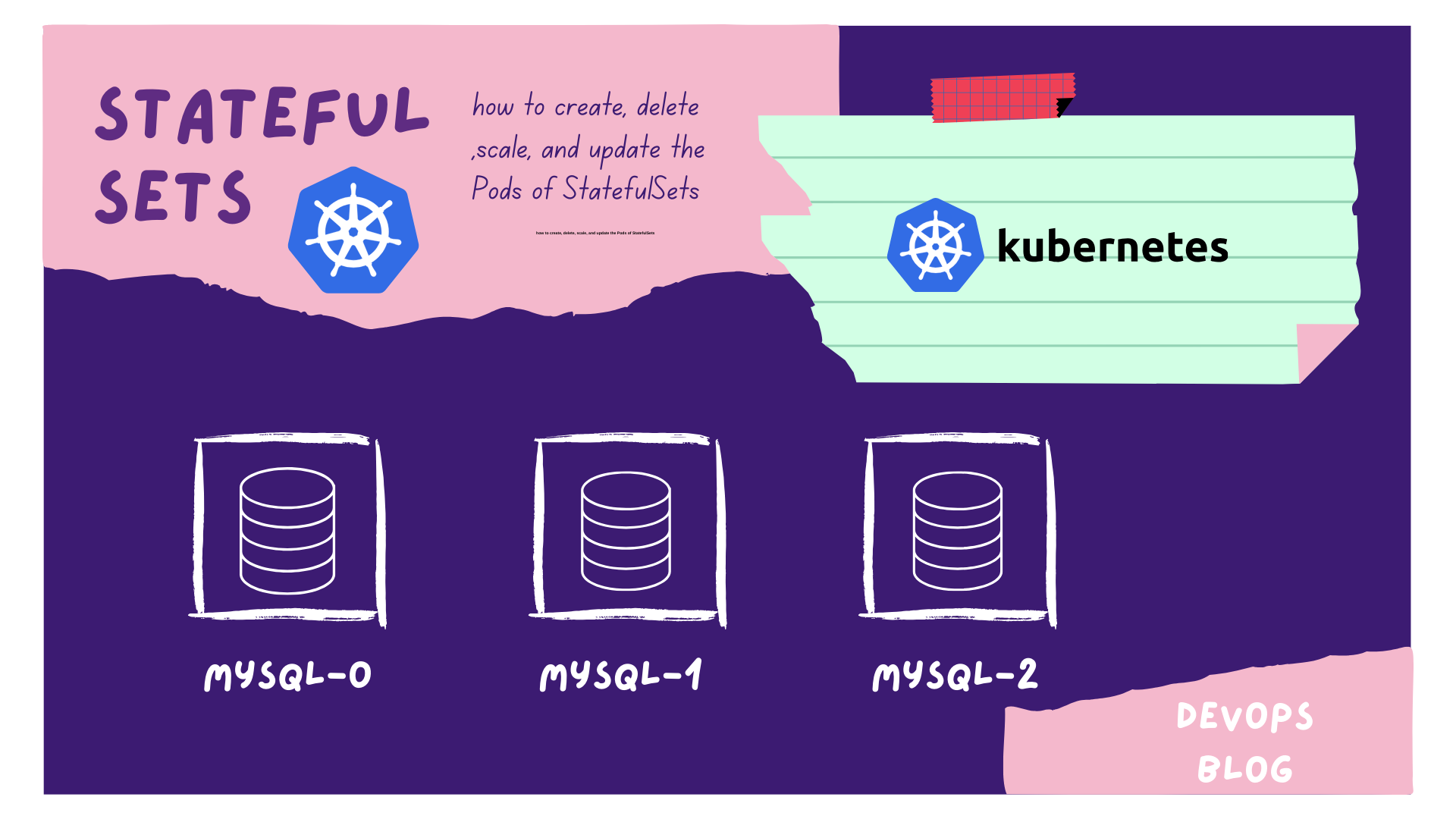
Stable pod identities (e.g., mysql-0, mysql-1)
Stable network hostnames
Persistent storage using PersistentVolumeClaims (PVCs)
Ordered deployment and scaling
StatefulSets are commonly used for:
Databases (MySQL, PostgreSQL)
Distributed systems (Kafka, Cassandra)
Applications that require persistent data and stable networking
When Should You Use a StatefulSet?
Use a StatefulSet when your application:
Requires persistent storage
Needs stable pod names
Depends on ordered startup or shutdown
Maintains state across pod restarts
Creating a StatefulSet in Kubernetes (Step-by-Step)
Step 1: Create a ConfigMap (Optional)
If your application requires configuration values, create a ConfigMap.
apiVersion: v1
kind: ConfigMap
metadata:
  name: mysql-config
data:
  MYSQL_ROOT_PASSWORD: my-secret-password
  MYSQL_DATABASE: mydbdts
Step 2: Create a Headless Service
A headless service enables stable DNS entries for each pod in the StatefulSet.
apiVersion: v1
kind: Service
metadata:
  name: mysql-service
spec:
  clusterIP: None
  selector:
    app: mysql
  ports:
    - protocol: TCP
      port: 3306yaml
Step 3: Create the MySQL StatefulSet
This StatefulSet creates three MySQL pods, each with its own persistent volume.
apiVersion: apps/v1
kind: StatefulSet
metadata:
  name: mysql
spec:
  serviceName: mysql-service
  replicas: 3
  selector:
    matchLabels:
      app: mysql
  template:
    metadata:
      labels:
        app: mysql
    spec:
      containers:
      - name: mysql
        image: mysql:5.7
        envFrom:
          - configMapRef:
              name: mysql-config
        ports:
          - containerPort: 3306
        volumeMounts:
          - name: mysql-persistent-storage
            mountPath: /var/lib/mysql
  volumeClaimTemplates:
  - metadata:
      name: mysql-persistent-storage
    spec:
      accessModes:
        - ReadWriteOnce
      resources:
        requests:
          storage: 1Gi
nixStep 4: Apply the Configuration
Deploy the resources to your Kubernetes cluster:
kubectl apply -f configmap.yaml
kubectl apply -f mysql-service.yaml
kubectl apply -f mysql-statefulset.yamlcoq
Step 5: Verify the StatefulSet
Check the status of your StatefulSet and pods:
kubectl get statefulsets
kubectl get podsrouteros
View logs from individual pods:
kubectl logs mysql-0
kubectl logs mysql-1
kubectl logs mysql-2apache
Scaling a StatefulSet
You can scale a StatefulSet by updating the replica count.
kubectl scale statefulset mysql --replicas=4routerosPods are created or deleted in order, preserving data integrity.
Accessing StatefulSet Pods
Each pod has a predictable hostname:
kubectl exec -it mysql-0 -- /bin/bashapplescriptStatefulSet vs Deployment (Quick Comparison)
Feature | Deployment | StatefulSet |
Pod Identity | Random | Stable |
Storage | Shared/Optional | Persistent |
Scaling Order | Parallel | Ordered |
Use Case | Stateless apps | Databases, queues |
Conclusion
StatefulSets are a core Kubernetes feature for running stateful workloads. They provide stable networking, persistent storage, and ordered scaling—making them ideal for databases and distributed systems.
By following this guide, you now know how to:
Create a StatefulSet
Attach persistent storage
Scale and manage stateful applications
If you’re running databases on Kubernetes, StatefulSets are the right choice